
Child Champions
Professional Development Hub for Tech-Powered Teaching

Bridging Technology and Teaching — So Every Child Becomes a


As a classroom teacher, I know how overwhelming it can feel to keep up with new technology tools while trying to meet your students’ needs. I’ve put together a collection of clear, easy-to-use resources all in one place—so you can spend less time searching and more time doing what matters most- TEACHING!
Whether you’re figuring out how to use tech to support your students, manage your classroom, or keep up with what’s new, I’m here to support you every step of the way. These tools are designed not just to help you get by—but to help take your teaching to a whole new level, making learning more accessible, engaging, and effective for everyone in your classroom.
So, I would like to officially welcome you, I can’t wait to help you transform your classroom and student learning experience!
Meet Laura-
What is My Philosophy?
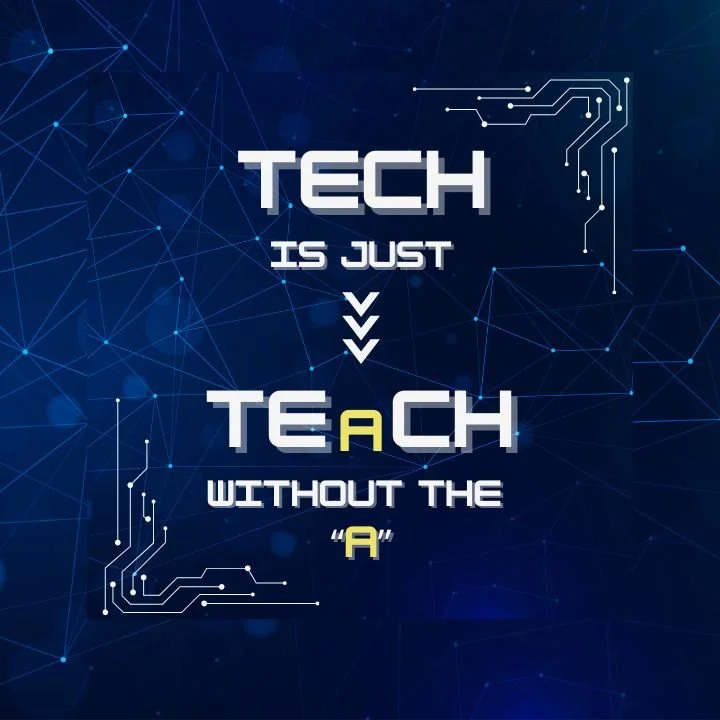
My mission as an EdTech Educator is to help teachers confidently integrate technology into their classrooms — not just for efficiency, but for empowerment. Technology is not going away, in fact, it is just going to get more and more amazing and I believe that great teaching and great technology go hand in hand. In fact, have you ever noticed that the word “Tech” is just “Teach” without the A?
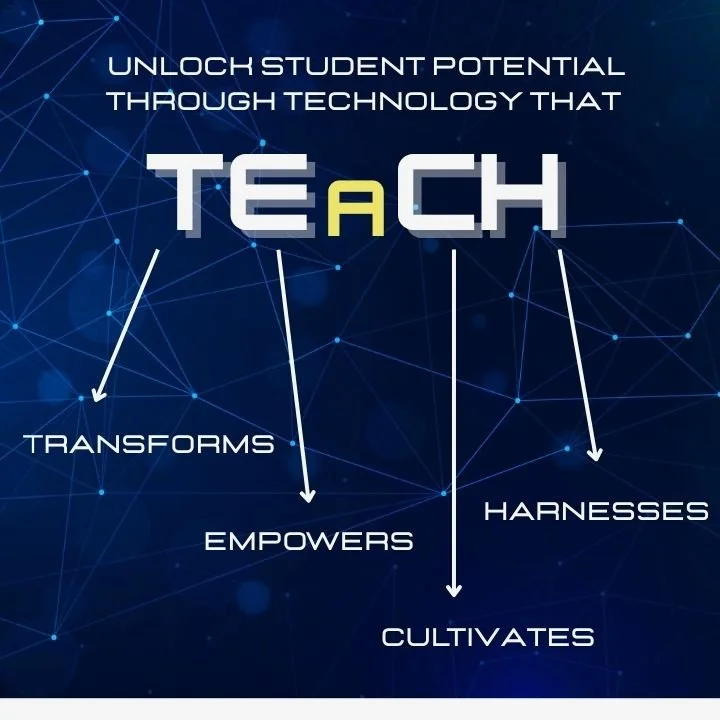
To me, TECH is more than a buzzword — it’s a mindset for modern education:
T — Transform learning experiences
E — Empower teachers and students
C — Cultivate creativity and connection
H — Harness the power of innovation
When teachers feel supported and equipped to use technology with purpose, every student — regardless of learning style or ability — has the opportunity to become a champion.
Let’s bridge technology and teaching — so every child becomes a champion!

What I

Step-by-step professional development designed for real classrooms. My courses help teachers turn technology into a teaching ally — making lessons more engaging, inclusive, and efficient. From AI in education to digital differentiation, each course is crafted to save time while deepening learning.
Online Courses

Downloadable Resources
Instantly useful tools you can plug right into your teaching — from digital planning templates and student tech organizers to accessibility checklists and classroom-ready activity guides.

The “Champion Talk” Newsletter
Stay inspired and informed with the latest EdTech updates, emerging AI tools, classroom strategies, and creative teaching ideas. I do the research so you can focus on what matters most — teaching.

Live Webinars & Virtual Workshops
Interactive, practical sessions that bring technology to life. Join from anywhere, connect with other educators, and leave with ready-to-implement strategies for your classroom.

Tech Tools Library
A curated collection of digital tools, apps, and AI resources that actually work in classrooms. Each tool comes with real-world examples, how-to guides, and integration tips to make tech simple and effective.
Explore a suite of AI-powered bots designed exclusively for teachers — from lesson idea generators to IEP documentation helpers. Think of it as your personal digital co-teacher, helping you work smarter, not harder.
Teacher Bot Hub
Together, We’re Building Classrooms of Champions
Technology shouldn’t complicate teaching — it should elevate it.
Whether you’re brand new to EdTech or ready to explore advanced AI integration, I’ll help you build confidence, creativity, and connection through digital learning.

Courses…
Choose Your Journey

TEaCH:
Tech Transformation MEGA Suite
Why I Created the TEaCH Mega Suite
I created the TEaCH Educator MEGA Suite because today’s educators are navigating a rapidly evolving world of educational technology—and most teachers are expected to keep up without the time, training, or support they truly need. Technology changes fast, AI is reshaping classrooms, and new tools appear every month. But what teachers really need are practical strategies, clear guidance, and realistic systems they can apply immediately, not overwhelming theory or scattered resources.
At Child Champions, I believe that thoughtful, intentional tech integration has the power to transform teaching and learning. I also know that educators deserve professional learning that is organized, easy to follow, self-paced, and grounded in what actually works in real classrooms. That’s why I built the TEaCH MEGA Suite as a complete professional development library—designed to help teachers plan smarter, teach more efficiently, and create meaningful, engaging learning experiences for every student.
Whether a teacher is building foundational EdTech confidence or ready to explore advanced AI tools, the TEaCH MEGA Suite provides everything they need to feel supported, empowered, and future-ready in today’s digital classroom.
I created the TEaCH Mega Suite to:
Save teachers time by bringing everything into one easy-to-use system
Simplify technology integration with step-by-step strategies that actually work in real classrooms
Support diverse learners using assistive technology and personalized learning tools
Help teachers confidently explore AI without overwhelm or confusion
Provide ready-made lesson planning support for all grade levels and subject areas
Guide teachers through implementation and tracking of edtech tools for better student outcomes
Empower educators to grow from beginner to expert with practical, real-world applications
Build a future-ready mindset that prepares teachers to thrive in a tech-driven education world
What You Will Get:
If you're just beginning to bring technology into your classroom, the TEaCH Educator MEGA Suite provides all the essential training, tools, and support you need to get started with confidence. Each course is simple, practical, and beginner-friendly—created to help you learn the basics, build your skills, and start using technology effectively from day one. With clear guidance, step-by-step strategies, and ready-to-use ideas, you’ll feel supported and empowered as you navigate today’s digital classroom.
The TEaCH MEGA Suite includes seven robust courses, each with downloadable PDFs for quick and easy reference.
Courses Include:
From Chalkboards to Chatbots: AI in Education
Demystify AI, explore myths and misconceptions, understand ethical use, teach plagiarism responsibly, and learn how to write prompts that get high-quality results.
AI-Powered Teaching: 200+ Strategies Across 20 AI Tools
Learn how today’s top AI education tools actually work—and get more than 200 practical, ready-to-use instructional strategies across 20 platforms.
From Paper to Pixels: The EdTech Launch Pad
Build a tech-ready classroom with the systems, routines, mission statement, and communication tools needed for smooth digital learning.
Lesson Design With AI: The 30-Minute AI Lesson Plan
Write powerful prompts and generate full lesson plans, openings, visuals, practice activities, assessments, exit tickets, and differentiated supports in minutes.
Results-Driven Tech: Plan, Teach, Measure
Learn how to evaluate the effectiveness of your tech tools, measure real classroom impact, and build a continuous improvement cycle that keeps your tech meaningful and intentional.
The Assistive Technology Pro: Tools & Techniques for Diverse Learners
Understand how to identify student needs, match the right AT tools, document supports in the IEP, and integrate assistive technology effectively and legally.
Custom GPTs and Chatbots: Step-By-Step for Teachers
Create your own AI-powered classroom helpers—reading coaches, math buddies, SEL companions, and more—no coding required.
All courses below are included in TEaCH Mega Suite. If you are enrolled in the TEaCH Mega Suite, you don't need to purchase any of the individual courses as they are already available to you!
Not sure if you're ready for the TEaCH Mega Suite? Browse individual courses below!
Whether you’re dipping your toes into educational technology or ready to dive headfirst into the world of AI-powered instruction, my online courses are designed to help you teach smarter, not harder — all while keeping students engaged, empowered, and excited to learn.
Each course is built for real educators who want real results — practical strategies you can use tomorrow, paired with inspiration that lasts all year. All courses are asynchronous so you can complete them at your own pace!
Check out my individual online course offerings:



From Chalkboards to Chatbots: AI and Education is a practical, teacher-friendly course that demystifies artificial intelligence and helps educators confidently integrate it into their classrooms. Through clear explanations, myth-busting, ethical guidance, and hands-on prompt-writing practice, teachers learn what AI is, how it works, how to address fears and misconceptions, and how to guide students in using AI responsibly. The course also explores plagiarism, bias, and the “weird and wacky” side of AI so educators understand both its strengths and limitations. Participants receive a complete toolkit of downloadable resources—including glossaries, checklists, parent communication templates, plagiarism guidance, ethical use frameworks, and prompt-writing tools—to support safe, effective, and informed AI use all year long.


AI Powered Teaching: 200 Strategies Across 20 AI Tools is a practical, high-impact course designed to help educators confidently use artificial intelligence to enhance instruction, personalize learning, streamline assessment, and save time. Through clear explanations and hands-on demonstrations, teachers explore how AI supports real classroom work—lesson design, differentiation, grading, data tracking, and student engagement. The course breaks down 20 powerful AI tools, showing what each one does, how it works, where it runs, what it costs, and exactly how to use it with students. With 200 ready-to-use teaching strategies and a full set of 20 three-page tool guides, teachers walk away with a complete AI teaching playbook they can implement immediately in any grade level or subject area.

From Paper to Pixels: The EdTech LaunchPad is a practical, step-by-step course that helps teachers confidently integrate technology by designing a tech-friendly classroom, creating a clear mission statement, establishing effective routines, and building strong partnerships with students and families. Through this training, educators learn how to organize digital tools, teach tech expectations, and streamline communication—all while supporting meaningful, responsible use of technology. The course also includes a comprehensive set of downloadable PDFs such as teacher and student tech self-assessments, classroom tech planners, organization systems, student contracts and rules, parent communication tools, tech-at-home guides, surveys, glossaries, newsletters, and resources for managing screen time and tech issues.


Lesson Design with AI: The 30-Minute AI Lesson Plan is a fast, practical course that teaches educators how to use artificial intelligence to design complete, engaging lessons in a fraction of the time. Through step-by-step demonstrations, teachers learn how to write strong prompts, generate opening activities, presentations, visuals, practice tasks, assessments, exit tickets, and differentiated supports—creating an entire lesson in just 30 minutes. The course includes a full toolkit of downloadable resources such as prompt formulas, lesson builder checklists, differentiation tips, assessment prompts, and a visual creation mini guide, giving teachers everything they need to plan smarter, teach creatively, and elevate instruction with AI.


Results-Driven Tech: Plan, Teach, Measure is a practical, outcomes-focused course that helps educators use technology with purpose and evaluate whether it genuinely improves student learning. Teachers learn how to define success, measure the impact of their tech tools, refine their instructional strategies, and build a sustainable cycle of continuous improvement. The course provides clear frameworks, data-driven methods, and step-by-step guidance so educators can confidently align technology use with meaningful student outcomes. Participants also receive a full toolkit—including a Tech Plan for Success, Tech Evaluation Rubric, Reflection Action Plan, and Reflection Cycle Plan—to support effective, measurable, and intentional tech integration all year long.


The Assistive Technology Pro: Tools & Techniques for Diverse Learners is a comprehensive, practical course that teaches educators how to identify student needs, select the right assistive technology, and integrate tools that improve access, independence, and learning outcomes. Covering everything from legal foundations and the AT Continuum to the SETT Framework, core skill-area tools, IEP documentation, and real-world classroom implementation, this course equips teachers with the confidence and systems needed to use AT effectively and responsibly. Participants also receive a complete downloadable toolkit—including checklists, data collection forms, AT accommodation templates, integration guides, troubleshooting supports, family communication tools, student-friendly AT introductions, and charts of recommended tools by skill area—making it easy to apply what they learn immediately in any classroom or IEP team setting.


Custom GPTs & Chatbots: Step-By-Step for Teachers is a hands-on, beginner-friendly course that teaches educators how to design, build, test, and maintain custom GPTs and classroom chatbots that support learning and streamline daily teaching tasks. You’ll learn how to define your bot’s purpose, set safe boundaries, personalize it with class materials, refine its responses, and share it with students responsibly. By the end, you’ll have a fully functioning chatbot—whether it’s a reading coach, math practice buddy, SEL support tool, or teacher assistant—along with a complete downloadable toolkit that includes planning worksheets, step-by-step guides, student contracts, testing logs, maintenance checklists, and classroom norms posters. This course empowers teachers to use AI confidently, ethically, and effectively throughout the school year.

Downloadable…

The Top 20 AI Tools for Classrooms

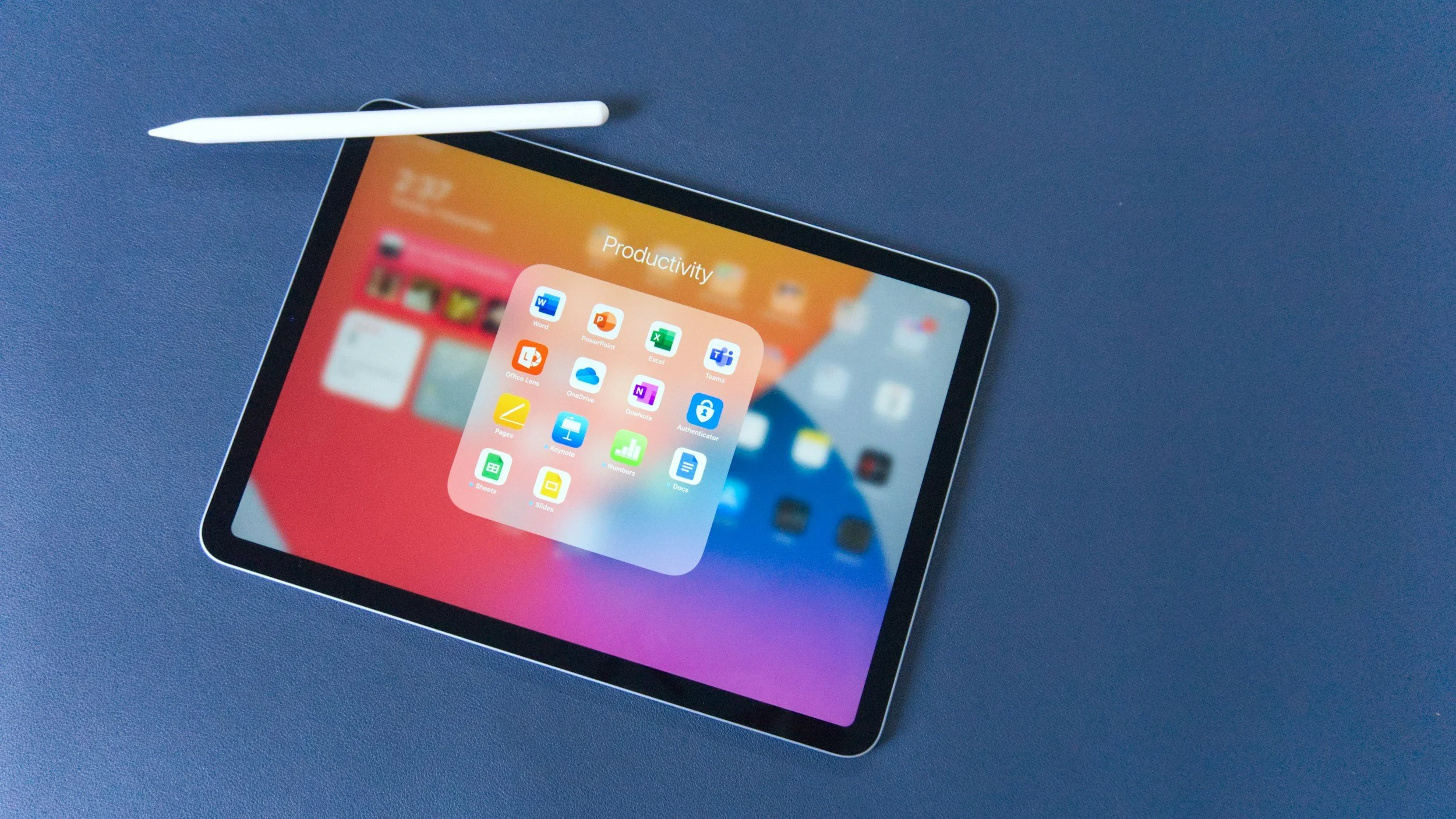
Weekly Teacher EdTech Planner
Coming Soon

Chrome Accessibility Quick Reference Guide

Coming Soon
iPad Accessibility Quick Reference Guide
Coming Soon

Chrome Extensions for Teachers
iPad Apps

Assistive Technology Vault

Webinars & Workshops

Discover the most powerful no-cost digital tools that can instantly make teaching easier and learning more engaging. In this webinar, you’ll explore classroom-tested apps, platforms, and resources that help with lesson planning, student collaboration, assessment, creativity, differentiation, and more—all without spending a dime. Perfect for any grade level or subject, this session will give you practical ideas you can start using the very next day to save time, boost engagement, and elevate your instruction.
March 3, 2026
4:30-5:30 pm pst
Sign-Up


Newsletter
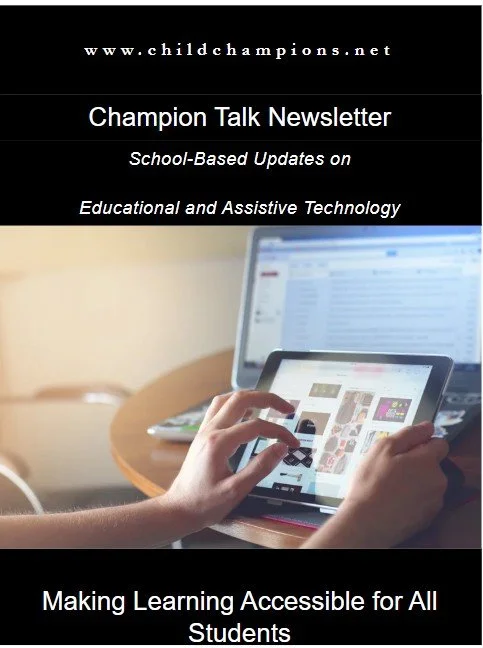
Stay Ahead of the Curve — Right from Your Digital Desk
Looking for fresh ideas, innovative tools, and inspiring stories to fuel your teaching? My newsletter delivers all that (and more!) straight to your inbox — perfectly curated for educators who want to teach smarter with technology.
Each issue of my newsletter is packed with practical insights and a spark of inspiration to help you bring technology to life in your classroom. You’ll get:
The Digital Desk Feature Story – Real stories and strategies from classrooms transforming with EdTech.
Five-in-Five Product Spotlight – Five must-know tools in five minutes or less.
AI on the Fly – Quick tips and tricks to make AI your new teaching sidekick.
Ctrl + Classroom – Instructional tech in action — see how other teachers are using tools to engage students.
Data Download – Fresh EdTech statistics and research you can actually use.
Accommodations Station – Ideas for using tech to support IEPs and inclusive learning.
Tech It Out – Upcoming events, webinars, and opportunities you won’t want to miss.
Whether you’re just starting to explore classroom tech or you’re ready to go full AI-powered educator, this newsletter will keep you inspired, informed, and ahead of the curve — every single month.
Join today and make your inbox your new favorite professional development hub!
Just enter your email to the left to get your first issue!

Library

The Tech Tools Library
Welcome to your one-stop shop for the best in educational technology! The Tech Tools Library is a curated collection of my favorite apps, platforms, and digital tools designed to help teachers plan smarter, teach creatively, and engage every learner.
Whether you’re exploring new classroom management tools, discovering AI-powered lesson planners, or finding resources to support accessibility and differentiation, this library has something for everyone.
Each featured tool includes:
On-Demand Webinars that walk you through real classroom applications
Downloadable PDFs and Quick-Start Guides to help you learn and implement each tool with ease
Tips and Tricks for maximizing impact without the tech overwhelm
From simple solutions to game-changing innovations, the Tech Tools Library helps you stay current, confident, and inspired — because great teaching starts with great tools.
Click “Explore the Library” to browse tools, download resources, and find your next classroom favorite!
Teacher

The Teacher Bot Hub
Welcome to the Teacher Bot Hub — your personal team of AI-powered assistants, built exclusively for educators!
Here, you’ll find a growing collection of smart, time-saving bots designed to make your teaching life easier, more efficient, and a lot more inspiring. These aren’t just generic chatbots — they’re custom-built to understand the unique needs of teachers, classrooms, and students.
Inside the Teacher Bot Hub, you’ll find bots that can:
Generate lesson ideas and activities aligned with standards, subjects, and grade levels
Help write and refine IEP documentation and accommodations
Craft parent communication and progress reports in minutes
Suggest differentiation strategies for diverse learners
Assist with planning, grading, and organization using AI efficiency
Support accessibility and inclusion through thoughtful, assistive tech integration
Think of it as your digital co-teacher — always ready to brainstorm, plan, write, and support you behind the scenes, so you can focus on what matters most: connecting with your students.
Whether you need a creative spark, a planning shortcut, or a helping hand with documentation, the Teacher Bot Hub is your go-to space for AI tools that truly understand education.
Click “Explore the Hub” to meet your new digital co-teacher and start transforming the way you plan, teach, and support your students!